
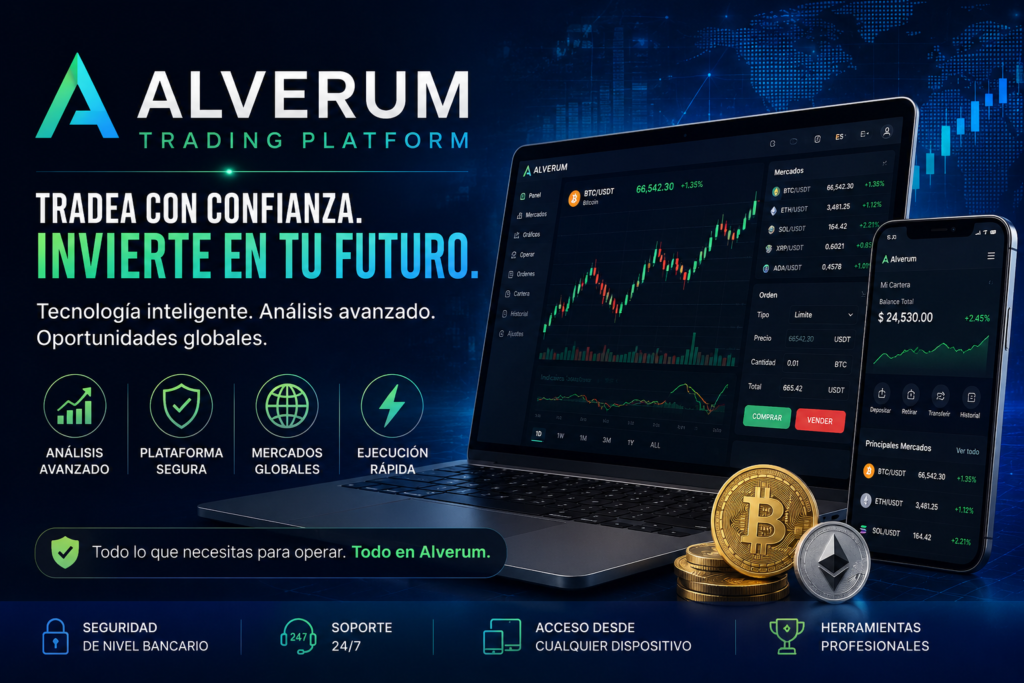
The fundamental friction in decentralized finance and on-chain commerce has rarely been about transaction speed alone; it is about cognitive overload. Executing a cross-chain crypto payment today requires users to manually verify wallet addresses, calculate gas fees across competing networks, check token allowances, and pray that a bridge interface is not compromised. Alverum is engineered to solve this infrastructure bottleneck by building an AI-assisted, non-custodial crypto payment layer for individuals, freelancers, and merchants.
Rather than operating as a centralized exchange that holds user funds, Alverum acts as an intelligent transaction routing and verification protocol. By combining natural language payment prompts with real-time gas optimization and automated wallet-risk scanning, the platform abstracts away the complexity of multi-chain execution while keeping private keys and transaction signing entirely in the user’s self-custody wallet.
What is Alverum? Core Architecture and Design Philosophy
Alverum is a modular payment network designed to bring AI-driven transaction analysis and multi-chain interoperability to everyday crypto payments. The platform targets three primary user groups: retail users sending multi-chain peer-to-peer payments, freelancers and creators issuing on-chain invoices, and merchants needing streamlined crypto checkout pages without volatility exposure or high custodial processing fees.
The Non-Custodial Imperative
Unlike traditional payment processors or centralized exchanges, Alverum never takes custody of user assets. It operates strictly as a pre-confirmation intelligence layer:
- Zero Private Key Access: Users interact with the platform exclusively through self-custodial wallets (such as MetaMask, Trust Wallet, or WalletConnect-compatible Web3 wallets).
- User-Controlled Signing: Alverum generates the optimized transaction route, estimates fees, and screens the recipient address, but the user must manually sign and authorize every transaction from their own device.
- No Seed Phrase Requirements: At no point in the registration or payment flow does Alverum request recovery phrases or private keys.
Alverum Platform Facts Table
Below is an executive facts table summarizing Alverum’s core technical specifications, token utility, and operational parameters based on its public architecture and development roadmap.
| Feature / Metric | Architectural Details & Status |
| Platform Category | AI-Assisted Multi-Chain Crypto Payment & Invoicing Protocol |
| Primary Target Audience | Retail Web3 Users, Freelancers, Digital Agencies, and Online Merchants |
| Custody Model | 100% Non-Custodial (Self-custody wallet connection required) |
| Native Token | ALV Token (Utility, fee discounts, staking, and governance) |
| Supported Presale Assets | ETH, USDT, USDC, BNB, SOL, BTC, XRP |
| Supported Networks | Major EVM-compatible chains & select high-throughput L1/L2 networks |
| AI Payment Assistant | Analyzes asset, chain, route, fee estimates, and counterparty risk score (Preview) |
| Security Scanning | Real-time address verification, fee-spike alerts, and suspicious pattern flags |
| Merchant Tools | Smart Invoices, Checkout Links, and Payment Status Tracking (In Development / Planned) |
| Presale Status | Stage 52 Live ($6.0M Soft Cap / $19.2M Hard Cap target) |
The Alverum Product Ecosystem: A Modular Breakdown
Alverum is building a nine-part suite of payment tools released across phased milestones. Each component is engineered to eliminate a specific point of failure in on-chain commerce.
1. AI Payment Assistant (Preview)
The centerpiece of the platform is an AI engine that interprets plain-language transaction instructions. For example, a user can input: “Send $500 USDC to Alex using the cheapest network.”
- Route Evaluation: The assistant evaluates liquidity across supported bridges and chains.
- Fee Calculation: It surfaces estimated gas costs in real time (e.g., comparing an Arbitrum route against an Ethereum mainnet route).
- Pre-Transaction Summary: Before a wallet prompt appears, the user sees a clean breakdown of the destination address, network path, estimated arrival time (~3 seconds on layer-2s), and total transaction fee.
2. Gas Fee Optimizer (In Development)
Gas volatility remains a major deterrent for micro-transactions. The Gas Fee Optimizer monitors network congestion across EVM chains and recommends either lower-cost alternate networks or optimal execution windows, preventing users from paying $15 in gas to settle a $50 invoice.
3. Wallet Risk Scanner (Preview)
Phishing scams and address-poisoning attacks account for hundreds of millions in lost crypto annually. Alverum’s Risk Scanner screens destination addresses before the user signs:
- Address History Checks: Checks if the recipient wallet has been flagged for phishing or drainer activity.
- Interaction History: Alerts the user if they have zero prior transactions with the target address.
- Wrong-Network Warnings: Prevents sending tokens to an incompatible chain address.
4. Smart Invoices & Payment Links (Planned)
For freelancers and agencies, Alverum simplifies billing by generating shareable payment links and dynamic QR codes. Smart Invoices allow creators to specify payment amounts in fiat value (e.g., $1,200 USD), while letting the payer settle in their preferred supported asset (ETH, USDC, BNB, etc.), with automatic on-chain status tracking.
5. Multi-Chain Dashboard (Preview)
Rather than requiring users to toggle between five different block explorers and wallet apps, the dashboard consolidates cross-chain token balances, historical payments, and active recipient whitelists into a single unified workspace.
6. Merchant Checkout & AI Treasury Insights (Planned)
Designed for e-commerce integration, the Merchant Checkout suite will provide embeddable payment widgets for businesses. Paired with AI Treasury Insights, finance teams will be able to track income streams, expense categorization, and token volatility exposure across multiple treasuries.
ALV Tokenomics and Presale Dynamics
The ALV token serves as the utility and governance spine of the Alverum network. Rather than functioning as a meme asset or passive yield farm, ALV is structured around tangible network interactions:
- Transaction Fee Discounts: Merchants and frequent senders holding ALV receive tiered discounts on routing and premium invoicing tools.
- Staking & Security Incentives: Users will be able to stake ALV to support network validation, unlock advanced AI Treasury reporting tools, and earn protocol yield.
- Decentralized Governance: Token holders vote on future supported blockchains, fee structure modifications, and treasury grant allocations.
Presale Participation
Alverum’s ongoing public presale operates across structured stages (currently Stage 52 Live, approaching its hard-cap allocation). The platform accepts major blue-chip assets for presale contributions, including ETH, USDT, USDC, BNB, SOL, BTC, and XRP.
The Alverum Registration & Wallet Onboarding Process
Because Alverum operates strictly as a non-custodial decentralized application (dApp), there is no traditional email-and-password account creation. Onboarding requires linking a secure self-custodial Web3 wallet.
1. Prepare a Self-Custodial Web3 Wallet: Requires an EVM-VM multi-chain-compatible wallet app.
Ensure you have an active self-custody wallet installed on your browser or mobile device. Recommended providers include MetaMask, Trust Wallet, Rabby, or any WalletConnect-compatible app. Ensure your wallet holds enough base-layer currency (ETH, BNB, or SOL) to cover network gas fees.
2. Navigate to the Official Alverum Portal: Verify the domain to protect against phishing attempts.
Access the official site at [https://alverum.net/](https://alverum.net/). Double-check the URL string in your address bar to ensure you are not interacting with an impersonator or spoofed domain.
3.Connect Your Web3 Wallet. Zero private-key or seed-phrase permissions required.
Click the Connect Wallet button in the top navigation panel. Select your wallet provider from the prompt. Approve the initial read-only connection request in your wallet pop-up. This permits Alverum to display your public address and balances—it never grants spending rights.
4. Configure Your Multi-Chain Network Preference: Select your preferred EVM and high-throughput chains.
Once connected, open the Multi-Chain Dashboard preview. Select the default blockchains you regularly trade or transact on (such as Ethereum Mainnet, Binance Smart Chain, Arbitrum, or Solana) so the AI Payment Assistant can tailor gas comparisons to your routes.
5. Participate in the ALV Presale or Explore Preview Tools. Select the contribution asset and sign the transaction via your wallet.
To acquire ALV tokens during the Stage 52 presale, navigate to the presale widget. Choose your deposit currency (ETH, USDT, USDC, BNB, SOL, BTC, or XRP), enter your contribution amount, and review the AI summary of estimated gas fees and token allocation. Click Buy ALV Now and confirm the transaction directly inside your Web3 wallet interface.
Frequently Asked Questions (FAQs)
What makes Alverum different from a standard crypto bridge or exchange?
Standard bridges and centralized exchanges either require you to surrender custody of your tokens or force you to navigate complex, fragmented interfaces for each blockchain. Alverum combines multi-chain routing with AI transaction analysis, fee optimization, and risk scanning into a single non-custodial interface where you approve every trade from your own wallet.
Does Alverum ever have access to my private keys or recovery phrases?
No. Alverum is fundamentally non-custodial. The protocol never requests seed phrases, private keys, or wallet export files. Every transaction generated by the AI Payment Assistant must be manually signed and broadcast by the user through their connected Web3 wallet.
Which blockchains are supported on the Alverum platform?
Alverum initially targets major EVM-compatible networks (such as Ethereum, Binance Smart Chain, Arbitrum, and Base) alongside select high-throughput layer-1 networks like Solana. The platform is modular, meaning additional networks will be integrated via governance as the roadmap advances.
What is the difference between “Preview,” “In Development,” and “Available” features?
Alverum maintains strict product-status transparency. Features labeled Preview (such as the AI Payment Assistant analysis and Wallet Risk Scanner demos) show illustrative or live testnet functionality. In Development indicates active code architecture, and Planned designates future roadmap additions. Nothing is labeled “Available” unless it is fully operational for public mainnet users.
How does the Wallet Risk Scanner prevent crypto scams?
Before you sign a payment, the scanner evaluates the recipient address against public threat databases, behavioral pattern signals, and your personal transaction history. If it detects a freshly deployed contract, an address associated with phishing campaigns, or a network mismatch, it triggers a visual warning block before you execute the trade.
How can I buy ALV tokens during the current presale stage?
You can participate directly by connecting your Web3 wallet, selecting your preferred payment asset (including ETH, USDT, USDC, BNB, SOL, BTC, or XRP), entering the amount you wish to contribute, and confirming the smart contract transaction in your wallet.